Secure SHell Client 簡易FAQ
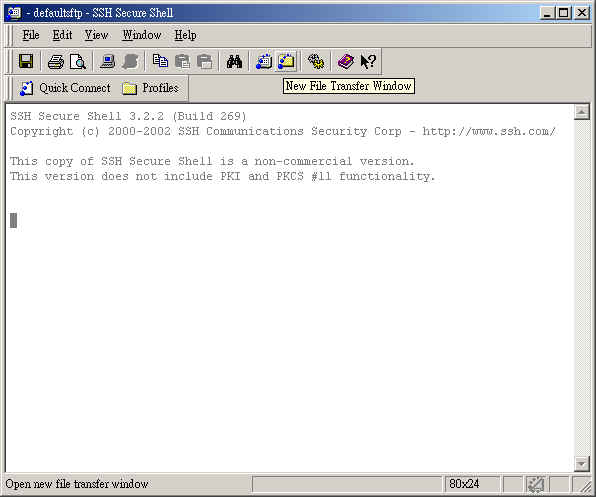
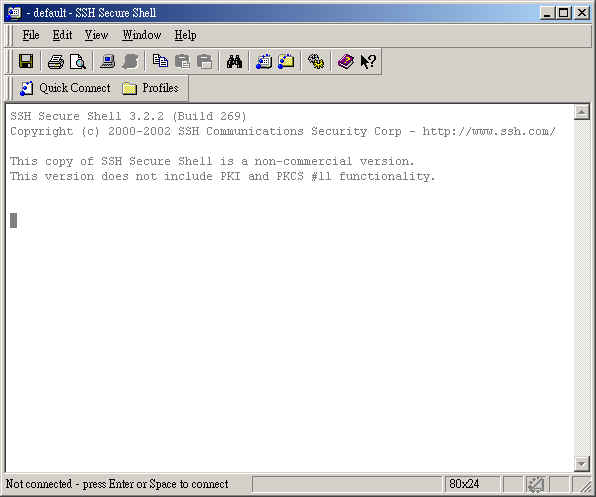
1.開啟視窗: 應該會是以下這樣
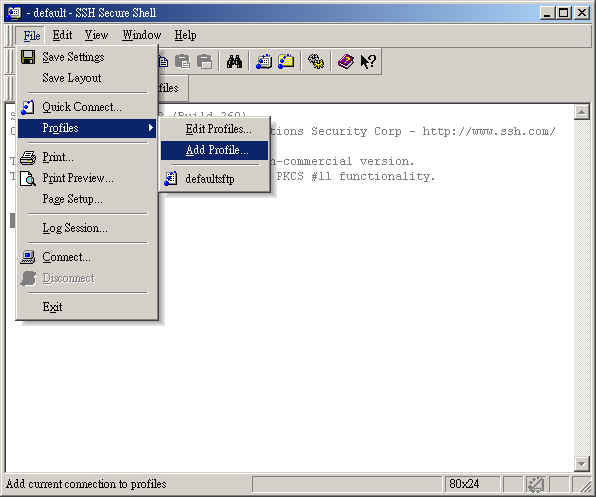
2.選擇 File => Profiles => Add Profiles (新增一個連線設定)
3.為連線設定取個簡稱. 並按 "Add to Profiles" 新增連線設定.

4.於 File => Profiles => Edit Profiles 可以修改設定, 直接點選新增的連線則可以建立連線.
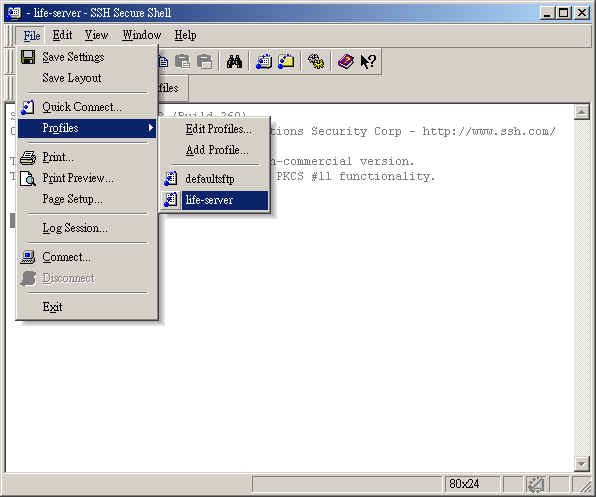
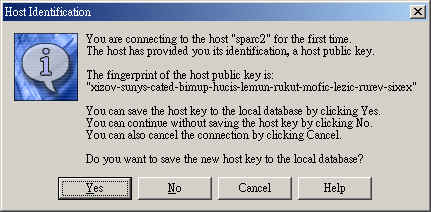
5. 請按 Yes 儲存 host key, 在出現 password 畫面輸入密碼即可.
6. 連線至 life 後, 若要傳檔, 可以按一下 "New File Transfer Window" 即可 ftp.